Kickflip Simulator
Take control of a car in mid-air.
From the flip to the landing.
Take control of a virtual car as it leaves the ramp. Adjust its rotation and thrust as you guide it toward landing in this mobile 3D physics simulator.
Inspired by the Tesla Roadster kickflip demo
Available on Android and in TossThe App Store app is coming soon

 Open in Toss
- Apps in TossAvailable now
- Google PlayAvailable now
- App StoreComing soon
Motion Preview
Concept diagram · This is not an actual simulation screen; app behavior may differ.
Rises into the air
The car leaves the ground with white gas puffs underneath, starting with its roof facing up.
Rolls sideways in mid-air
Side gas jets push the car into a lateral roll around its front-to-back axis, briefly turning the underbody upward.
Lands on its wheels
After completing a full turn, the wheels touch back down. The landing response changes depending on your angle and speed at touchdown.
How It Started
Sparked by the
Tesla Roadster Kickflip
After seeing the Tesla Roadster kickflip demo—where the car rolls sideways in mid-air and lands back on its wheels—we wanted to steer that motion ourselves. We are building a simulator with a virtual car and simplified physics where you control mid-air attitude, thrust, and landing.
This is an independent project not affiliated with Tesla. The video is original footage from Tesla's official channel, not a Kickflip Simulator app screen.
Good to Know
Frequently Asked Questions
Where can I use it?
You can download the Android app from Google Play, or use it in Apps in Toss inside the Toss app with no install. The App Store app for iPhone and iPad is coming soon; there is no set release date yet.
Can I sign up for App Store launch notifications?
We are not taking notification sign-ups or running a waitlist right now. Please check this page for release updates.
Is this an app for practicing real-world driving?
No. It is a lighthearted 3D simulator built with a virtual car and simplified physics to let you enjoy mid-air rotation and landing responses. It does not reproduce real vehicle performance and is not a driving or safety training service.
Another App to Explore
Also Try
Engine Simulator.
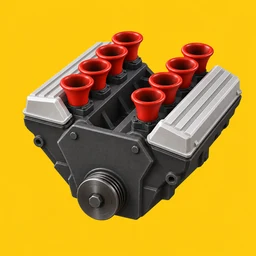
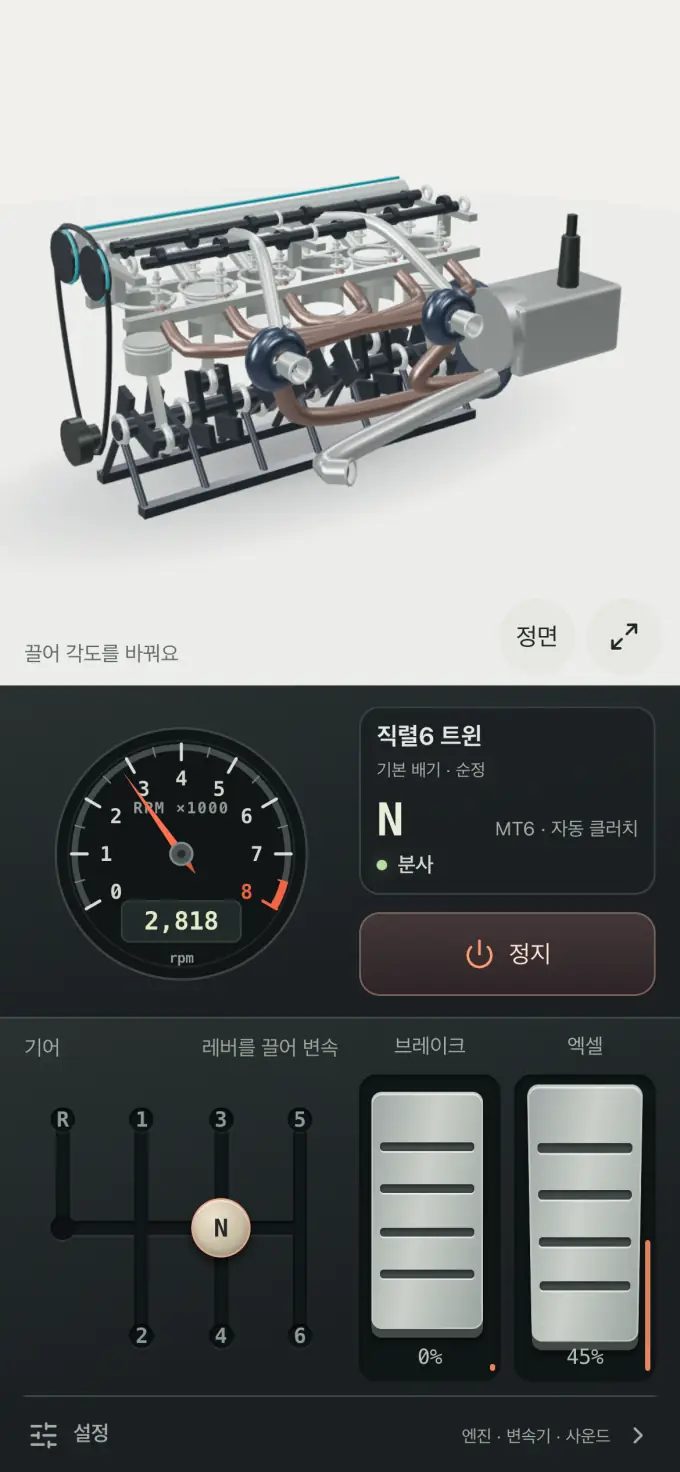
Start the engine and press the pedal to hear the sound change with the RPM. Interact directly with a see-through 3D engine and gear lever.
Available on Google Play, the App Store, and Toss.
View Engine SimulatorCheck the Engine Simulator website for download links and details.